WhatsApp bookings: how to receive and automate them in your business
3 October 2026
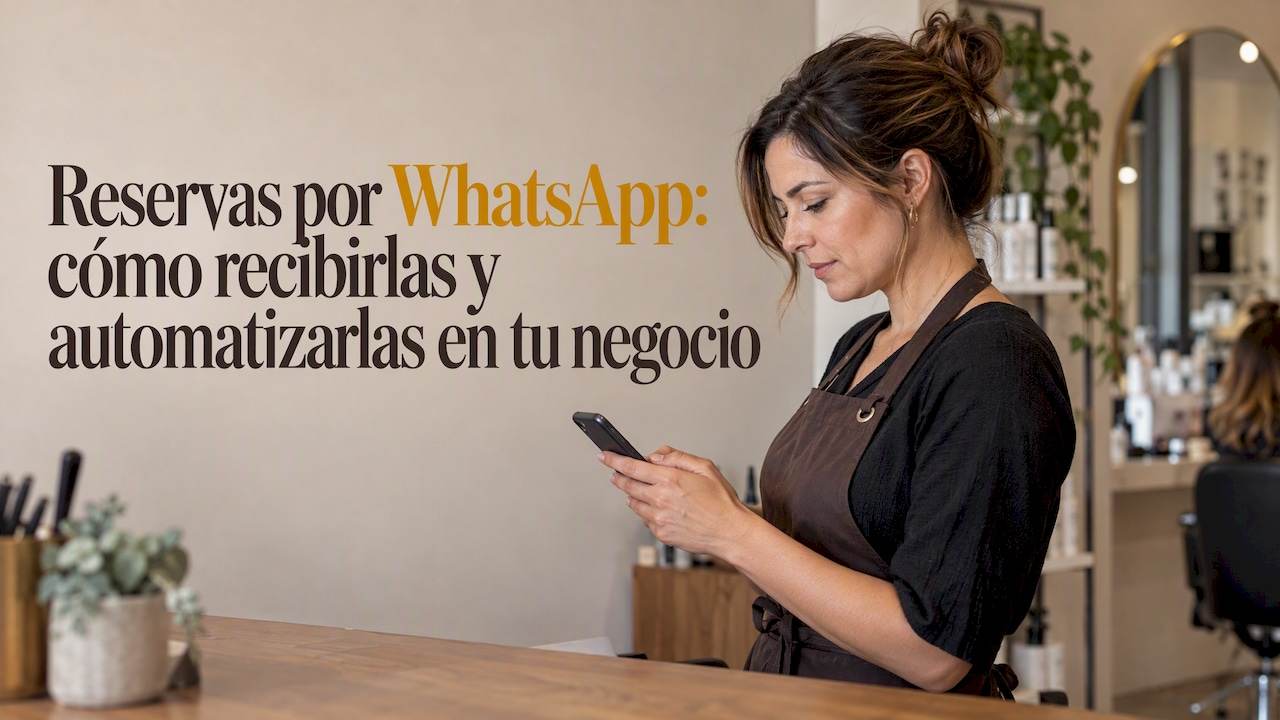
Yes: you can receive and automate bookings on WhatsApp, and for most service businesses the most practical route is to start with the free app and move up to the Platform with automation once the volume justifies it. This approach usually means more confirmed bookings and less waiting for the customer. The real first step is to set up your business profile and try a simple confirmation flow before getting tangled up in integrations.
In short:
- Automating bookings on WhatsApp is only advisable when your appointment volume justifies a scalable, advanced solution such as the API, after starting with the free app.
- Only businesses that rely on repeat appointments and have changing diaries, such as hair salons, clinics or beauty centres, see improvements in bookings and response times.
- Managing it well means starting with a simple confirm-and-remind flow, and only scaling up once it has run without errors for several weeks.
- Integrating with calendars and CRM systems via webhooks lets you automate confirmations, waiting lists and rescheduling in real time, with little manual work.
- Within 24 hours of the last contact you can reply to messages freely, but after that you need templates pre-approved by Meta, which may carry a cost and restrictions.
Table of contents
- What you gain by taking bookings on WhatsApp
- WhatsApp Business app or Platform: how to choose
- How to automate bookings with webhooks, calendars and chatbots
- Confirmations, reminders and rescheduling done well
- Message templates, the 24-hour window and Meta’s limits
- How an AI assistant handles all this
- What really matters when automating bookings
- Vural: the diary that replies for you on WhatsApp
- Frequently asked questions
What you gain by taking bookings on WhatsApp
Moving your bookings to the chat your customers already use every day reduces friction at the exact moment they decide to book. According to figures published by WhatsApp for Business, a brand that moved its appointments to WhatsApp saw a notable rise in bookings and significantly cut its response time compared with email.
Worth remembering: combining a waiting list with proactive template notifications fills more cancelled slots without creating friction for the customer.
The businesses that benefit most have one thing in common: they rely on repeat appointments and a diary that fills up and empties all day long.
- Hair salons and beauty salons, where last-minute cancellations are common.
- Physiotherapy centres and beauty centres, with diaries tightly packed into time slots.
- Dental clinics, where confirming the appointment in advance reduces no-shows.
The improvement does not come from response speed alone. A customer who books on WhatsApp at 10 pm already has their appointment when you open the next day, something no web form manages quite as well.
WhatsApp Business app or Platform: how to choose
Choosing between the free app and the Platform (API) depends on your volume of conversations and how much automation you need, not on the nominal size of the business. The WhatsApp Business app was created for small businesses: it offers a business profile, quick replies, a catalogue and basic automated messages, all free of charge. The Platform adds webhooks, CRM integrations and scaling without the single-device limit, but it requires a provider and technical set-up.
If you run a single location with a manageable number of appointments, the app covers most cases. If you have several sites or hundreds of conversations a day, the Platform is worth the extra complexity.
To get started with the app:
- Fill in your business profile with opening hours, address and business category.
- Turn on a greeting message and an away message to cover out-of-hours.
- Set up quick replies for the most common questions (prices, availability, location).
- Upload your catalogue of services if your sector allows it.
To make the jump to the API you need to:
- Verify your business with Meta and choose a technology solutions provider.
- Set up the webhooks that will receive message events in real time.
- Install valid SSL certificates on your endpoint, a step many people overlook.
- Design your first message templates and submit them for approval.
As a general rule, starting simple and scaling only when the volume calls for it stops you paying for infrastructure you don’t need yet.
How to automate bookings with webhooks, calendars and chatbots
A webhook is the mechanism that notifies your system as soon as a new message arrives, without anyone having to refresh a screen. As WhatsApp for Business explains, this architecture lets you automate replies in real time and is the piece that connects WhatsApp to your calendar or CRM.
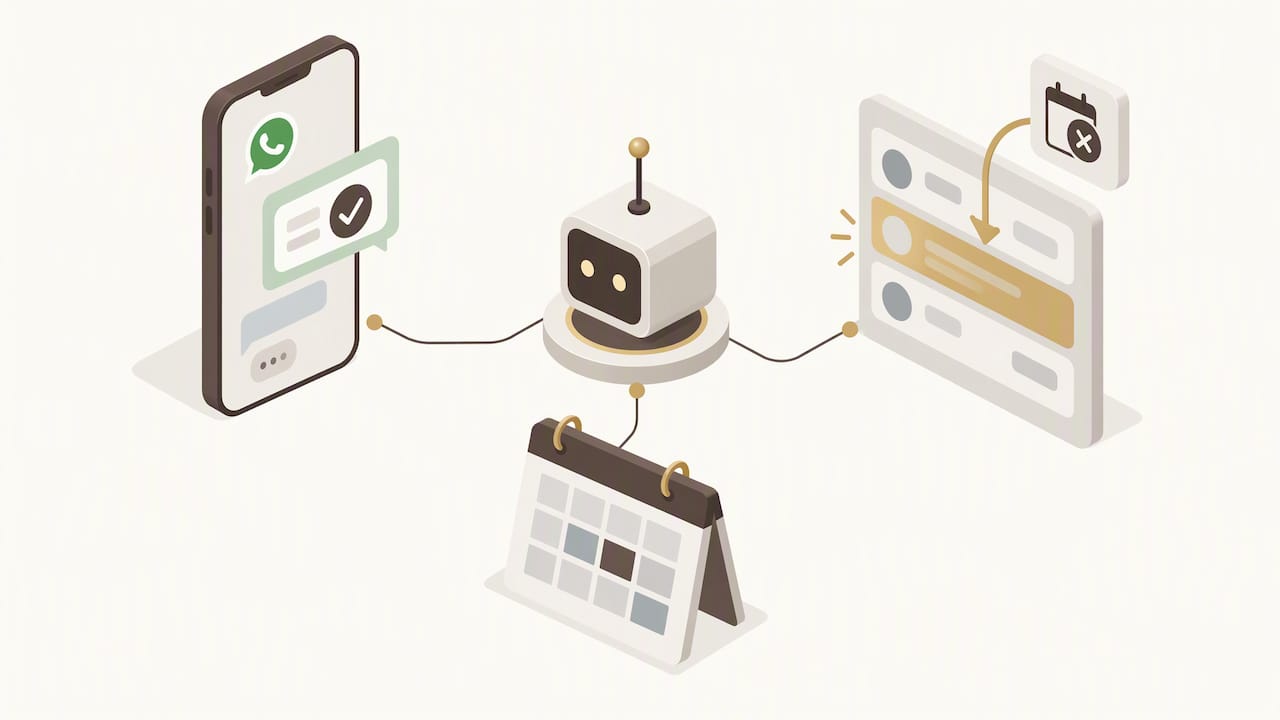
The typical flow works like this: the customer writes, the webhook triggers the event, a chatbot or AI engine interprets the request, checks availability and writes the appointment straight into the connected calendar or CRM.
- A connection to Google Calendar to block out the slot as soon as the appointment is confirmed.
- Syncing with the CRM to store the customer’s history and preferences.
- An automatic waiting list that offers the freed-up slot to the next customer as soon as there is a cancellation.
Pro tip: filter incoming messages by type before processing them; otherwise, the noise from irrelevant messages ends up escalating unnecessary conversations to a human agent.
This kind of serverless architecture, documented by WhatsApp with examples such as AWS Lambda and DynamoDB, lets you scale without keeping your own servers running all day.
Confirmations, reminders and rescheduling done well
A booking doesn’t end when the customer writes “confirmed”. The full cycle includes immediate confirmation, a reminder beforehand and, when needed, hassle-free rescheduling.
- Confirmation: sent the moment the appointment is fixed, with the date, time and service.
- Reminder: scheduled 24 to 48 hours beforehand, with the option to reply to reschedule.
- Rescheduling: the chatbot frees up the slot automatically and offers it to the waiting list.
Automating these three messages reduces no-shows without anyone on the team having to check the diary by hand every morning.
Message templates, the 24-hour window and Meta’s limits
All WhatsApp automation works within one fixed rule: you have 24 hours from the customer’s last message to reply freely, according to the WhatsApp Business documentation. After that, any message must go through a template pre-approved by Meta, and some template categories carry a cost.
- Design your automated replies to keep the conversation open within the window.
- Save templates for notifications outside the window, such as reminders sent several days in advance.
- Avoid promotional content in service templates: it is usually the most common reason for rejection.
Worth remembering: chatbot automation lets you reply instantly and scale up customer service without growing your team.
How an AI assistant handles all this
A virtual assistant designed for service diaries replies within the 24-hour window even outside your working hours, learning each business’s own tone and vocabulary instead of sounding generic. In a hair salon, that means confirming an appointment at midnight in the same style the receptionist would use. In a physiotherapy centre, it means automatically filling a cancelled slot by offering it to the next patient on the waiting list, connected to Google Calendar so the diary stays up to date without any manual work.
What really matters when automating bookings
Start with a simple flow: confirm and remind. Only add complexity once those two pieces have worked without errors for weeks, not days. Automating too early tends to produce out-of-context replies that frustrate customers, so define clearly when a message should be handed to someone on the team. Review the automated conversations from time to time and train your team to step in when the chatbot doesn’t understand a request.
Vural: the diary that replies for you on WhatsApp
If you’ve already realised you need to automate without losing your business’s tone, you can use a virtual assistant that replies on WhatsApp around the clock, learns your business’s own vocabulary and fills cancelled slots automatically, connected to Google Calendar to keep your diary always up to date.
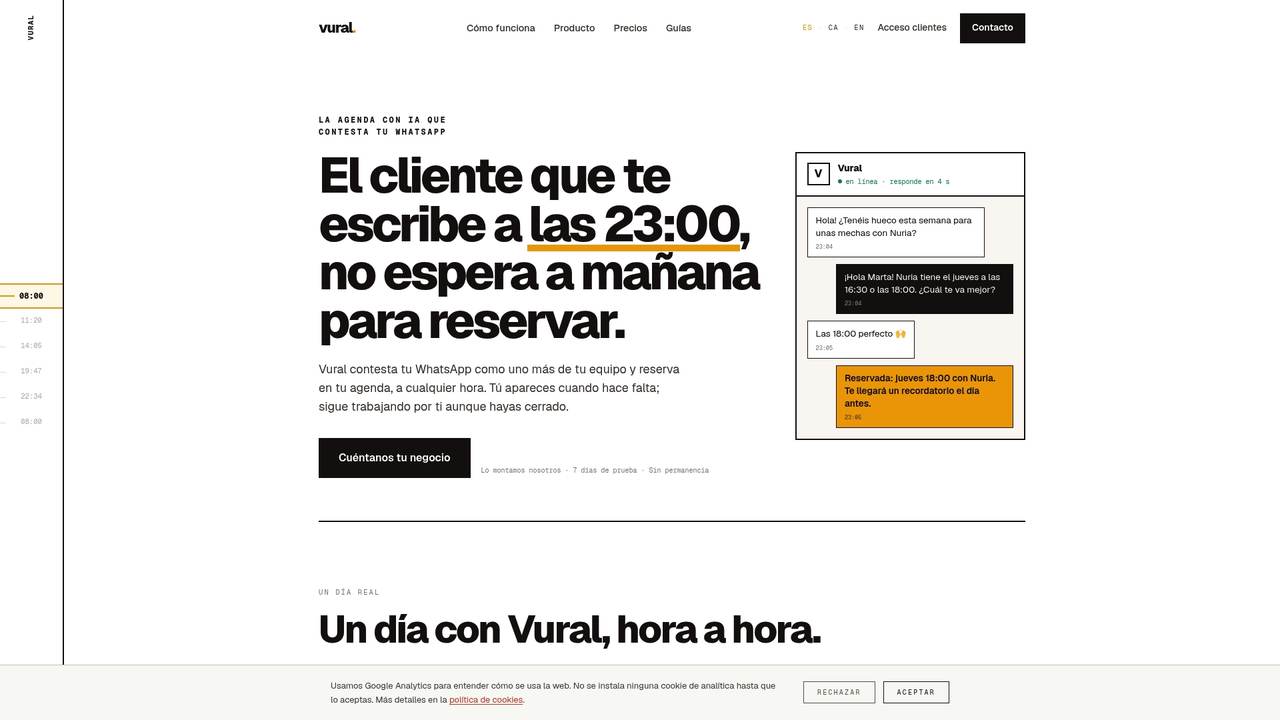
We work with four plans based on what they automate and the service they include: Inicial, Esencial, Pro and Premium, with a fixed-price setup depending on the plan you choose. We charge no commission per booking: everything you bill stays in your business. Visit Vural to ask for a demo and see which plan fits your diary.
Frequently asked questions
What is a WhatsApp booking platform?
It is a system that connects your WhatsApp Business account to automation tools, such as chatbots, calendars or a CRM, to manage appointments without someone on the team having to answer every message by hand. It can be built on the free app with basic replies, or on the Platform with webhooks and fuller integrations.
How do you set up an appointment diary on WhatsApp?
Start by filling in your business profile with your opening hours and services, then turn on quick replies for the most common questions and, if you want real automation, connect a chatbot that writes straight into your calendar. WhatsApp’s official documentation describes these free tools as a starting point for small businesses.
What does a WhatsApp message need to be valid as legal evidence?
This depends on each country’s procedural rules, and there is no single standard that applies to every case. As a general principle, keep the message together with metadata such as the date, sender and context of the conversation, and consult a legal professional about your specific case.
How do you book an appointment on WhatsApp, step by step?
The customer sends a message asking for an appointment, the system replies with the available slots and, once they confirm, a chatbot or a human agent puts the appointment in the connected calendar. If the business uses AI automation, the whole process takes seconds, including the confirmation through the same channel.
More articles

11 October 2026
Appointment confirmation messages: templates ready to use today
Use appointment confirmation messages with ready-made templates for WhatsApp and email. Get more replies, cut no-shows and adapt every text to your business.

10 October 2026
Hotel no-show charges: when they can charge you and how to complain
Find out when a hotel can charge you for not turning up, what conditions it must meet and how to claim a refund if force majeure kept you away.