Advance payment for appointments: how to introduce it without friction
9 October 2026
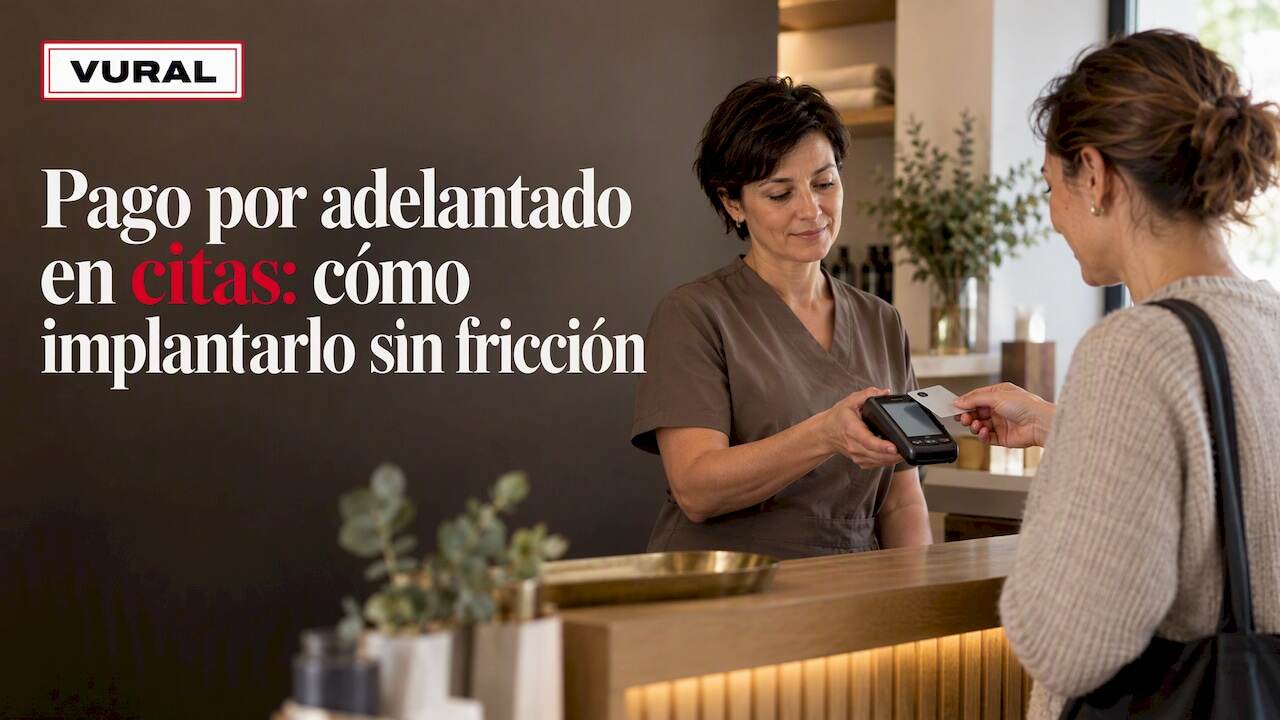
Yes: if you run an appointment-based business, it pays to take payment in advance. On Vural's Premium plan we ask for the deposit over WhatsApp at the time of booking, through Stripe and linked directly to the diary, so nobody on the team has to chase payments by hand.
In short:
- Ask for a deposit of 10 % to 30 % for mid-range services; keep full payment for expensive or high-demand services that are hard to fill.
- Set free cancellation at 24 or 48 hours beforehand and explain in writing what happens after that, including exceptions for first visits or emergencies.
- Link payment and diary, confirm the appointment once the payment goes through, and release unpaid bookings after a reminder and a deadline.
- Trial the policy for two or three weeks on one service and compare cancellations and completed payments before rolling it out to the rest of the diary.
- Check that your payment gateway supports strong customer authentication where required, because some card payments can be declined if the flow doesn't allow for it.
Contents
- What your business gains by taking payment before the appointment
- How to design a deposit, deadline and refund policy
- Which methods work for taking payment in advance
- How to automate payment within your diary and WhatsApp
- WhatsApp templates for requesting a deposit and confirming payment
- Checklist for introducing advance payment in six weeks
- How we ask for the deposit at booking, with no commission per appointment
- Frequently asked questions
What your business gains by taking payment before the appointment
Asking for payment in advance changes the link between a booking and real commitment. A client who has already paid something has a clear reason to turn up, and you notice it on several fronts at once.
- It cuts no-shows, because the client bears a cost if they don't come, which filters out half-hearted bookings from the start.
- It makes income more predictable: you know in advance how much money is coming in each week and can plan staff shifts with more confidence.
- It strengthens the client's commitment: they arrive treating the appointment as a firm agreement, not an open option.
These effects show most in long or high-value services, such as facial treatments, ongoing physiotherapy sessions or dental procedures, where an unannounced absence means losing a slot that is hard to fill the same day.
How to design a deposit, deadline and refund policy
Before switching on any payment, set clear rules for each type of service. They don't all need the same treatment: a twenty-minute manicure isn't handled like an hour-long physiotherapy session.
- Decide when to ask for a deposit and when to ask for full payment: a deposit works well for medium-length appointments, and full payment makes sense for high-value or high-demand services, where a late cancellation is hard to cover.
- Set the percentage or amount: it could be, for example, between 10 % and 30 % of the price of the service, although you can also opt for a fixed amount that is the same for every service in a category.
- Define the free cancellation window, for example 24 or 48 hours before the appointment, and what happens to the amount paid if the client cancels outside that period.
- Put the exceptions in writing, such as first visits, regular clients or emergencies, to avoid improvised decisions at the front desk.
Pro tip: Start by applying the policy only to the two or three services with the most no-shows before extending it to the whole diary.
Which methods work for taking payment in advance
You don't need a complex system to start taking payment before the appointment. The options that work best for small diaries have one thing in common: they fit into the conversation you already have with the client.
- A payment link inside the confirmation message itself is the most direct option: the client books and receives a link where they pay in seconds, without installing anything.
- Taking a card payment over the phone when confirming the appointment works well for businesses that already take calls and prefer to settle payment in the same contact.
- For high daily booking volumes, an automated link usually scales better than taking payment manually by phone, which depends on someone being free to handle it.
When payment is made by card, some flows may require strong customer authentication under European payment services regulation. It's worth making sure the gateway you choose already supports this requirement, so you don't end up with payments declined for no apparent reason.
How to automate payment within your diary and WhatsApp
Advance payment works best when it doesn't depend on someone remembering it. The recommended flow is simple: the client books, immediately receives an automatic message with the payment link, and the appointment is confirmed as soon as the payment goes through.
- Sync payment with your booking system or with Google Calendar so the slot is only held once payment is complete, avoiding slots reserved with no guarantee.
- Decide what happens to pending payments: a first automatic reminder, a deadline and, if there's no reply, releasing the slot to the waiting list.
- Automate the recovery of cancelled slots too, offering them to whoever is waiting for a slot before they are left empty in the diary.
An appointment management platform can reply to clients on WhatsApp even outside working hours, so a booking made on Sunday night doesn't have to wait until Monday. You can see how Vural works and decide whether it fits your day-to-day operations.
Pro tip: Switch on holding the slot after payment only for the services where a no-show costs you most; for the rest, an automatic reminder may be enough.
WhatsApp templates for requesting a deposit and confirming payment
The tone of the message matters as much as the payment link itself. A long or confusing message holds up payment, while a short, clear one reduces friction, as we explain in our article on taking payments over WhatsApp.
- When booking: “Hi Marta! Your appointment on Thursday at 17:00 is almost ready. To confirm it, pay the €10 deposit here: [link]. It expires in 2 hours.”
- When payment arrives: “Payment received, thank you. Your appointment is confirmed for Thursday at 17:00. See you then.”
- Reminder beforehand: “Just a reminder of your appointment tomorrow at 17:00. If you need to cancel, please do so more than 24 hours beforehand so you don't lose your deposit.”
Personalise the client's name and the exact time whenever you can: a generic message reads like spam, while one with specific details reads like a service that cares.
Checklist for introducing advance payment in six weeks
Introducing this policy doesn't take months of work, but it does need a clear order so as not to confuse your team or your clients.
- Week 1: review your services and decide which payment rule applies to each one (deposit, full payment or none).
- Week 2: choose the payment method (payment link, payment by phone) and set it up.
- Weeks 3 and 4: integrate it with your diary so that payment and booking are connected automatically.
- Week 5: train the team and run real tests with internal appointments before opening it to clients.
- Week 6: roll out the policy gradually, starting with the services with the most no-shows.
During the launch, keep a close eye on a few indicators:
- The number of no-shows before and after switching on payment.
- The share of bookings that get as far as payment, not just as far as the form.
- Any complaints or questions about the policy, so you can adjust the wording of the messages if needed.
How we ask for the deposit at booking, with no commission per appointment
If you'd rather not build this flow by hand, we automate it for you. We reply to your clients on WhatsApp even out of hours and leave the appointment booked in your diary; on the Premium plan, we ask for the deposit through Stripe at the time of booking, for the services you choose, and on the Pro and Premium plans we offer the slot to the waiting list when someone cancels.
- We handle enquiries and bookings outside your working hours, so no appointment slips through the net.
- On the Premium plan, we automatically send the deposit link at booking, through Stripe, with no manual steps.
- We don't charge commission per booking, unlike other platforms in the sector.
- We offer the Inicial, Esencial, Pro and Premium plans, which differ in what they automate and the level of service, with a fixed-price setup depending on the plan you choose.
You can write to us and we'll set it up with your business's details; the monthly fee starts once it's up and running.
Frequently asked questions
What percentage deposit is usual for a booking?
There's no single figure: for medium-length services part of the price is enough, for example between 10 % and 30 %, and for high-value or high-demand services many businesses go straight for full payment at booking.
What should a good cancellation policy include?
It should state the free cancellation period, usually between 24 and 48 hours before the appointment, and what happens to the amount paid if the cancellation comes after that. It's also worth setting out clear exceptions, such as first visits or emergencies.
Is strong customer authentication mandatory when taking card payments?
It depends on the payment flow and the gateway you use: European payment services regulation sets out when strong customer authentication applies and what the exemptions are. Make sure your payment provider already supports this requirement to avoid declined payments.
How do I stop advance payment from reducing my bookings?
Keep the payment message short, with a clear deadline and a direct link, and apply the policy first only to the services with the most no-shows. Automating the sending of the link at the moment of booking, as Vural does with the deposit on the Premium plan, helps the client pay before they lose interest.
Can I try an automated payment system before committing?
Vural doesn't offer a free trial, but there's no minimum term or commission per appointment either: we set it up with your business's details, with a fixed-price setup depending on the plan, and the monthly fee starts once it's up and running. The Stripe deposit is on the Premium plan.
Recommendations
More articles

11 October 2026
Appointment confirmation messages: templates ready to use today
Use appointment confirmation messages with ready-made templates for WhatsApp and email. Get more replies, cut no-shows and adapt every text to your business.

10 October 2026
Hotel no-show charges: when they can charge you and how to complain
Find out when a hotel can charge you for not turning up, what conditions it must meet and how to claim a refund if force majeure kept you away.